
Features
Lesson and classroom scheduling
The EdSys schedule builds from the group's template and checks classroom availability: rescheduling and cancellations without collisions, weekly and monthly views, automatic student notifications. Works for a single branch and for a network.
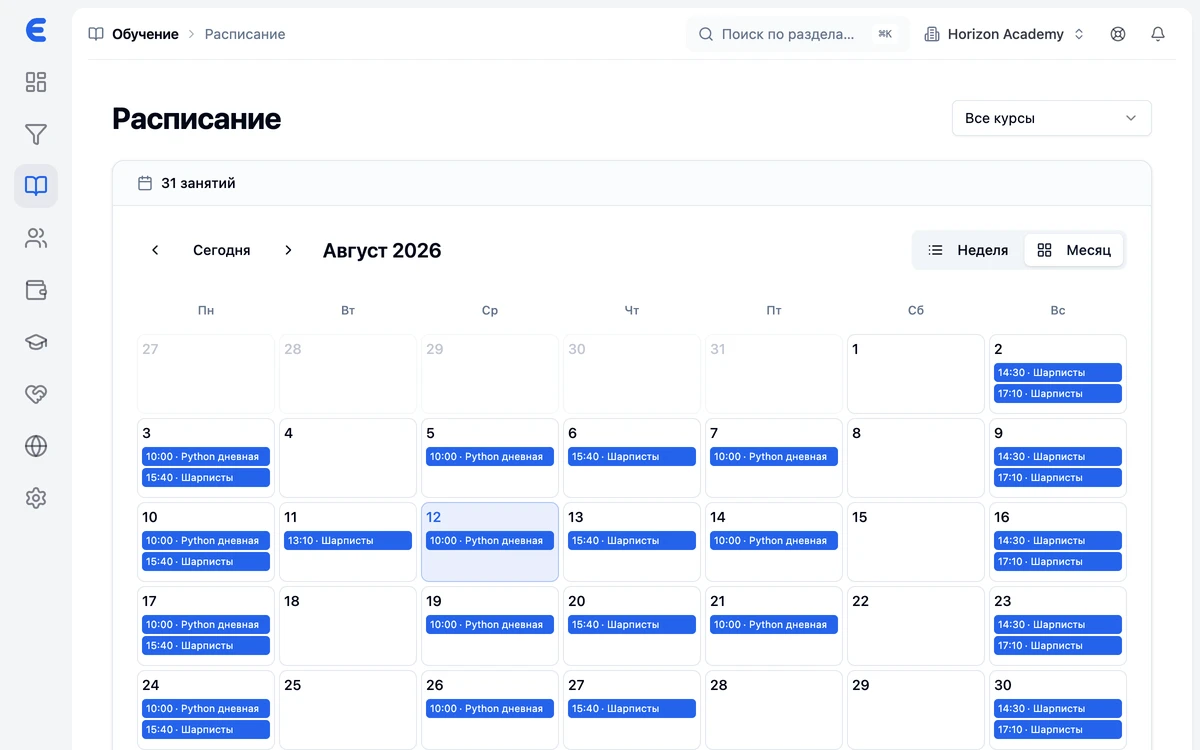
Built from the group's template
Set the group's days and times — lessons are created for the whole study period automatically. Change the template and the grid changes.
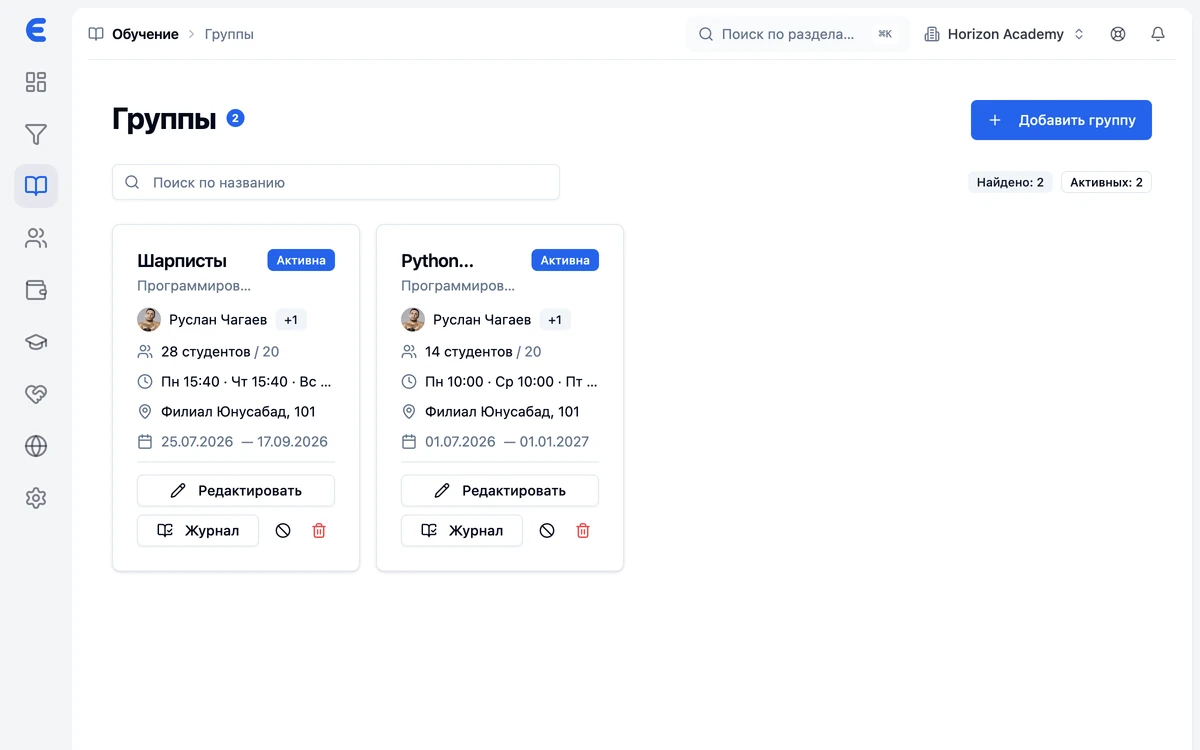
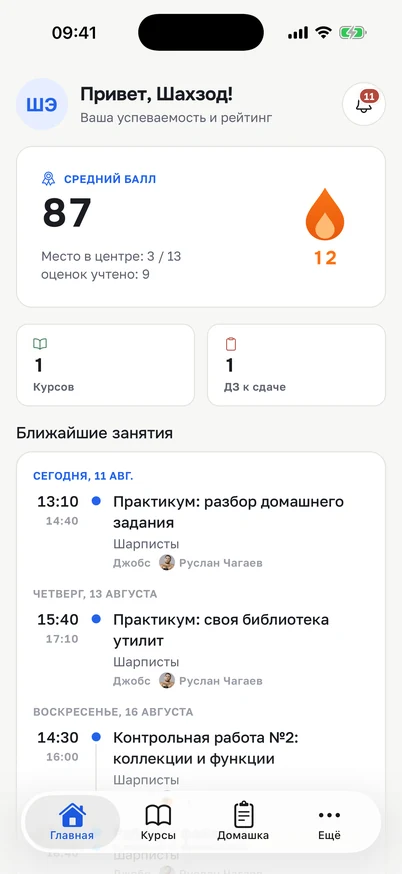
A calendar for everyone
The teacher sees their lessons, the student sees theirs: on the web and in the mobile app.
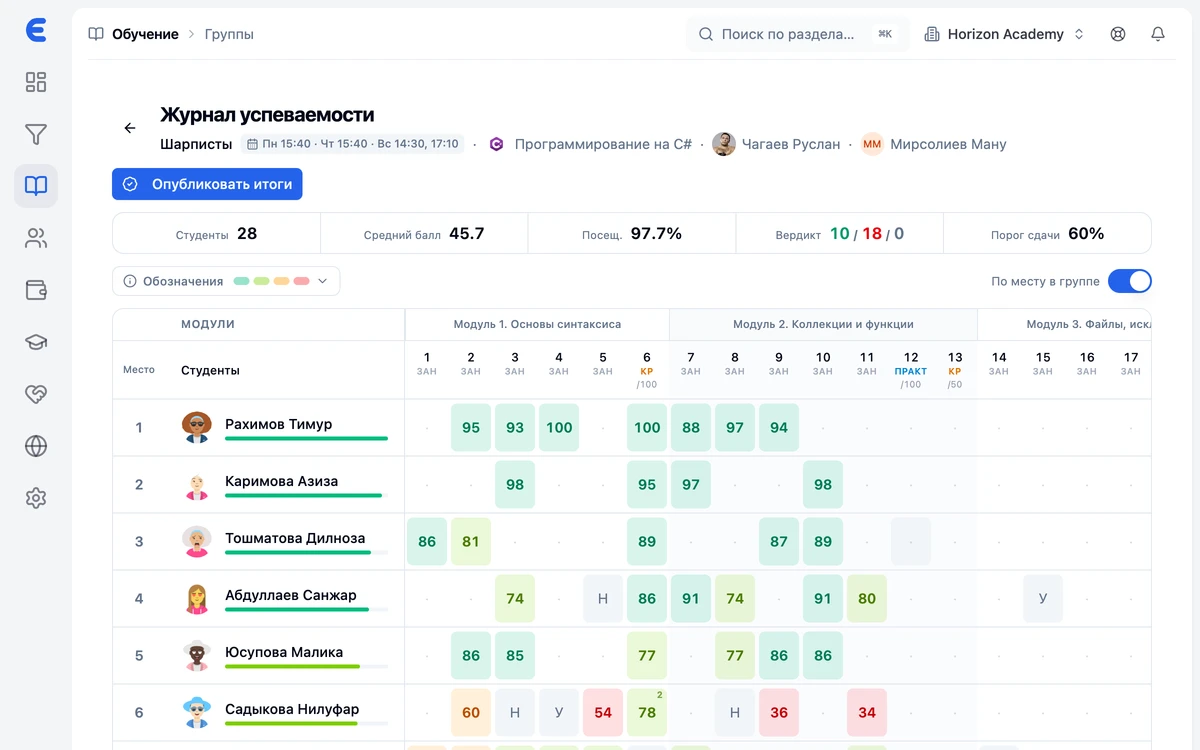
Attendance from the schedule
Attendance marking opens within the lesson window right from the calendar — the gradebook and the schedule never drift apart.
Rescheduling without collisions
Moving or canceling a lesson checks classroom availability — double booking won't happen even across a network of branches.
Classrooms and branches
Rooms are assigned to branches, and each classroom's load is visible on the schedule grid.
Notifications go out on their own
Students learn about a move or cancellation from Telegram, SMS or a push — the administrator doesn't call anyone.
Frequently asked questions
What happens if a classroom is taken?
Can a single lesson be rescheduled?
Does a teacher see the schedule on their phone?
How does scheduling work across branches?
Are one-off events supported?
Bring order to your center
Leads, schedule, gradebook and money under control from day one. Start for free.