Features
Tracking student payments and debts
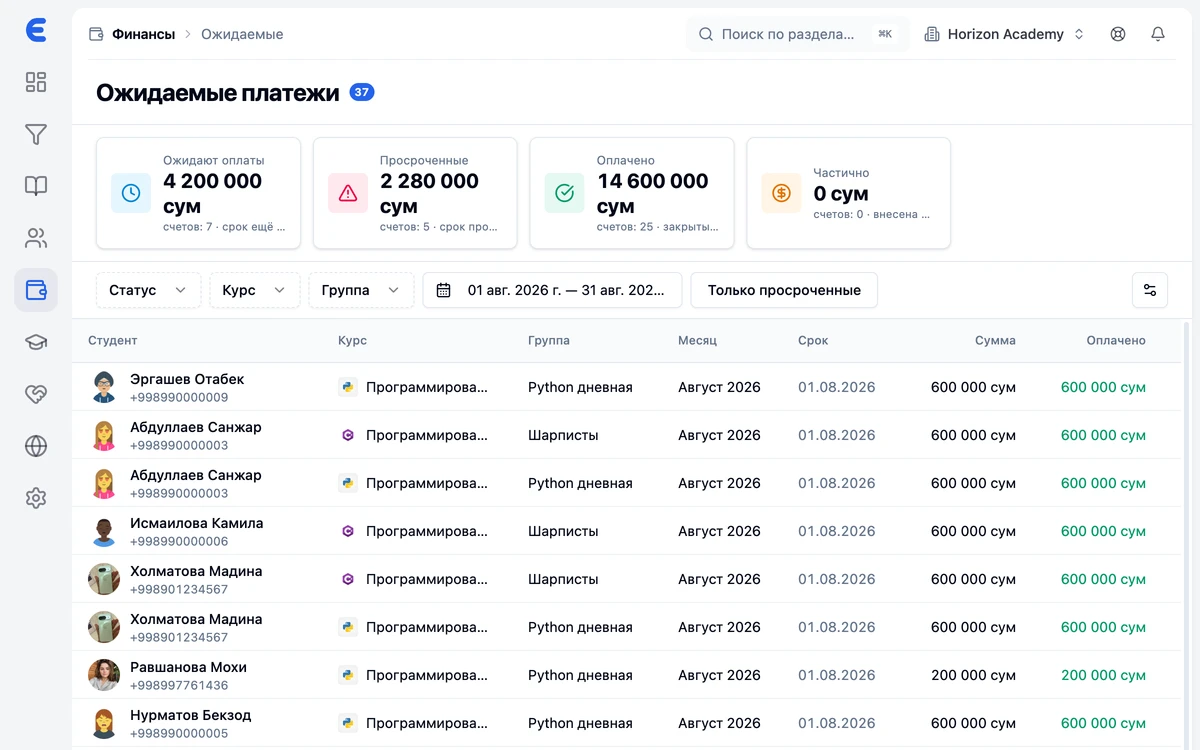
EdSys calculates charges and shows debts on its own: monthly plans, per-course billing or passes, expected payments on one screen, debtor reminders and online payments through Payme and Click. Cash desks, expenses and teacher payroll live in the same system.
Calculate
How much money is stuck in debts right now
In debts
18 000 000 UZS
about 30 debtors
- Expected payments and overdue amounts on one screen, no spreadsheet reconciliation.
- Payment reminders go out on schedule via Telegram, SMS, email and the app.
- Parents see the debt and the payment date in their account.
This is an estimate for a conversation, not center statistics: the system shows exact numbers after importing your data.
You choose the payment model
Monthly, per course or with a pass for a number of lessons. The system builds the charge plan for every student itself.
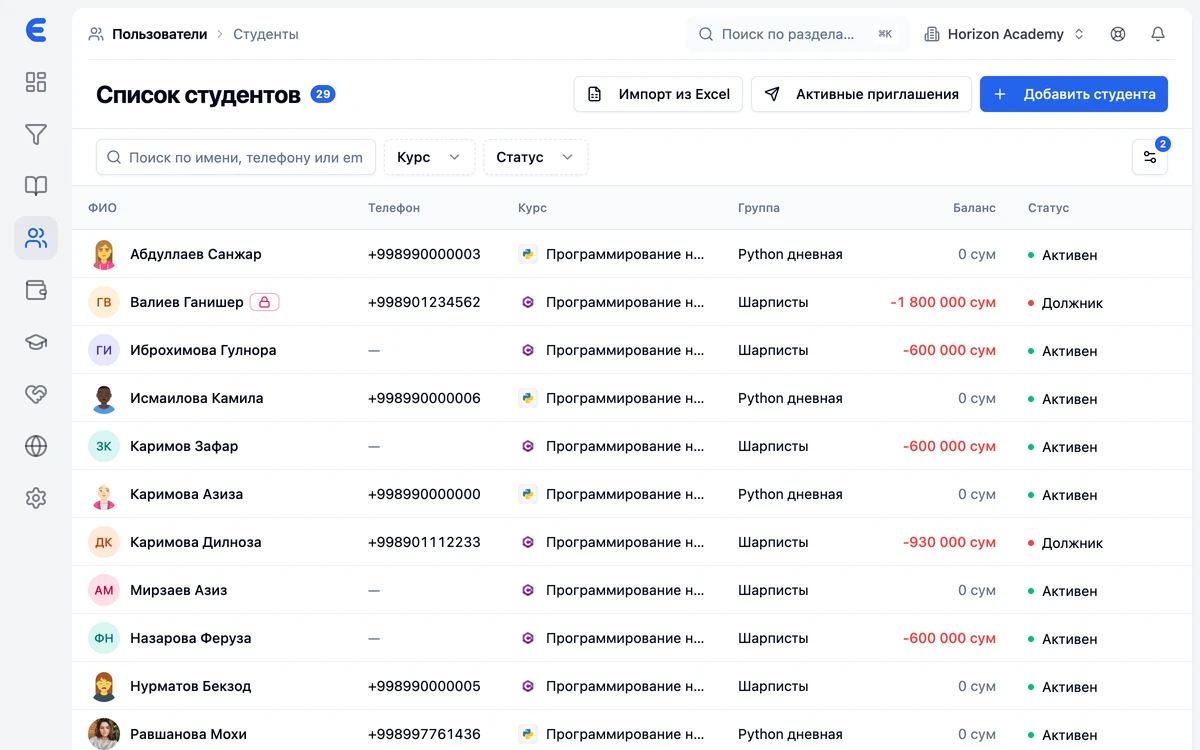
Payme and Click online payments
The student pays from the app; money goes directly to the center's account under its agreement with the payment system. EdSys shows who paid for what and takes no commission.
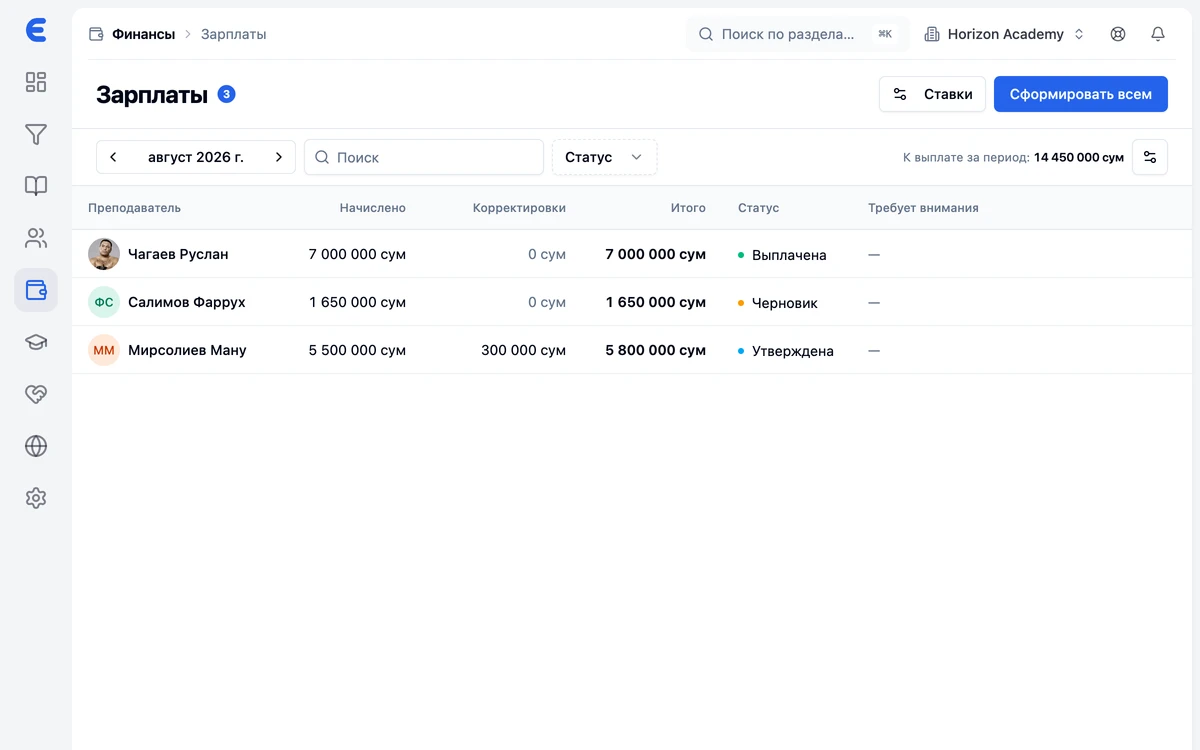
Teacher payroll
Rates and delivered lessons from the gradebook turn into payroll charges — no manual counting.
Debtors visible at once
Expected payments and overdue amounts on one screen. A call queue for debts instead of reconciling spreadsheets by hand.
Cash desks and expenses
Cash and non-cash by desk, center expenses — the full money picture, not just income.
Reminders go out on their own
The system announces due dates and payment confirmations itself — in Telegram, by SMS or with an app push.
Frequently asked questions
How does the system calculate debts?
Can we accept cash?
Does EdSys take a commission on payments?
Does a student see their charges and debts?
Is teacher payroll included?
Bring order to your center
Leads, schedule, gradebook and money under control from day one. Start for free.