Guide
How to choose a CRM for a learning center
Choose a CRM by five criteria: the learning process, finance, roles and branches, student and teacher workspaces, and the cost of migration. Generic CRMs handle sales well but don't know what a group, a gradebook or attendance is — so check the learning side first.
The learning process, not just sales
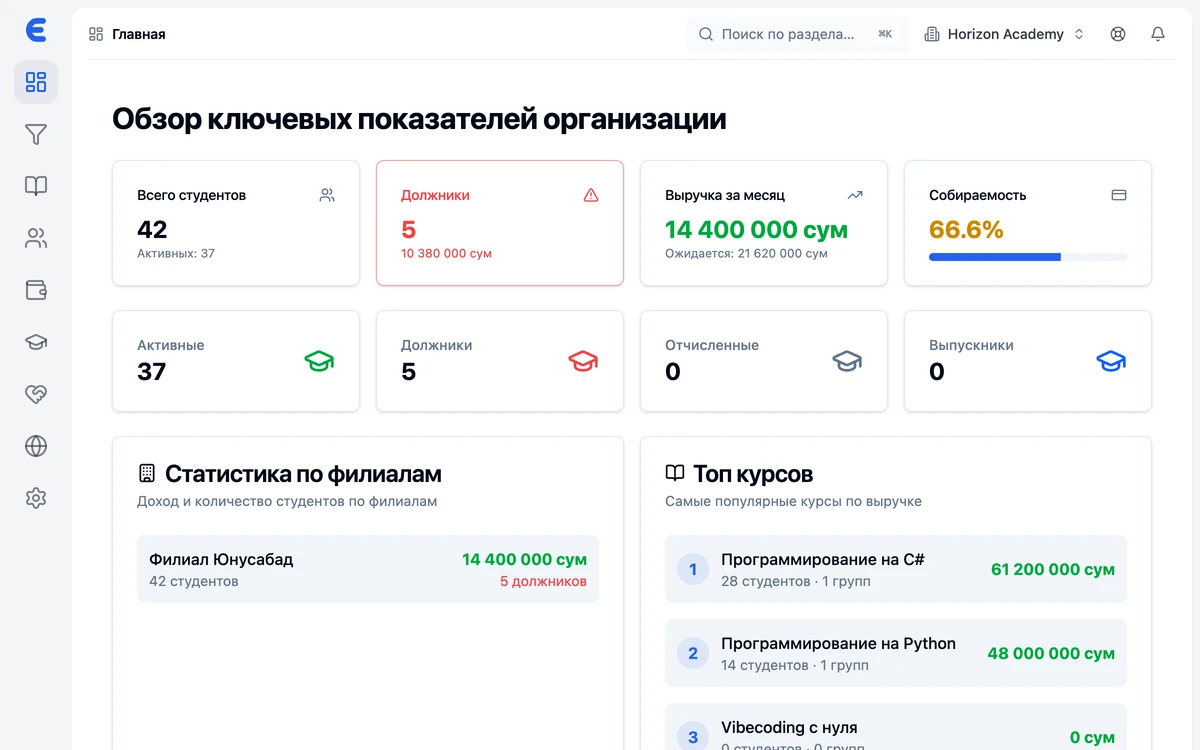
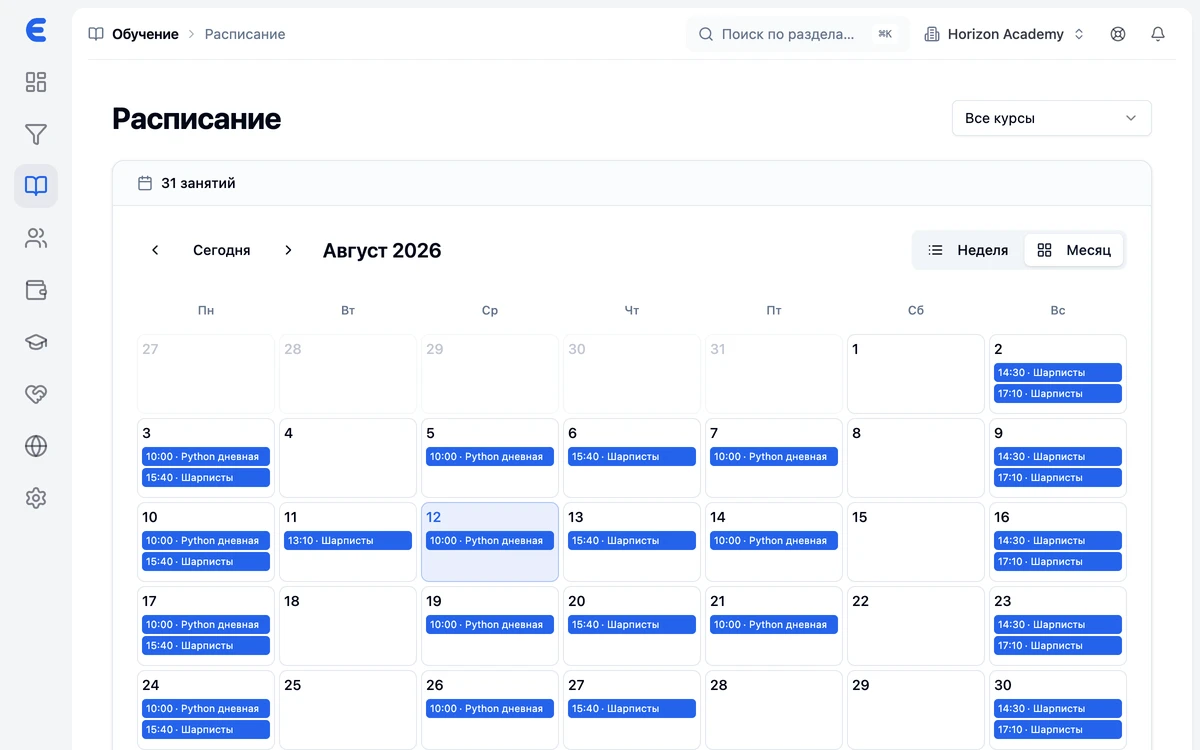
Check for groups, a schedule with rescheduling and classroom availability checks, a gradebook, attendance, homework and materials. Without these the CRM only covers leads, and half the work stays in spreadsheets.
Finance that fits your model
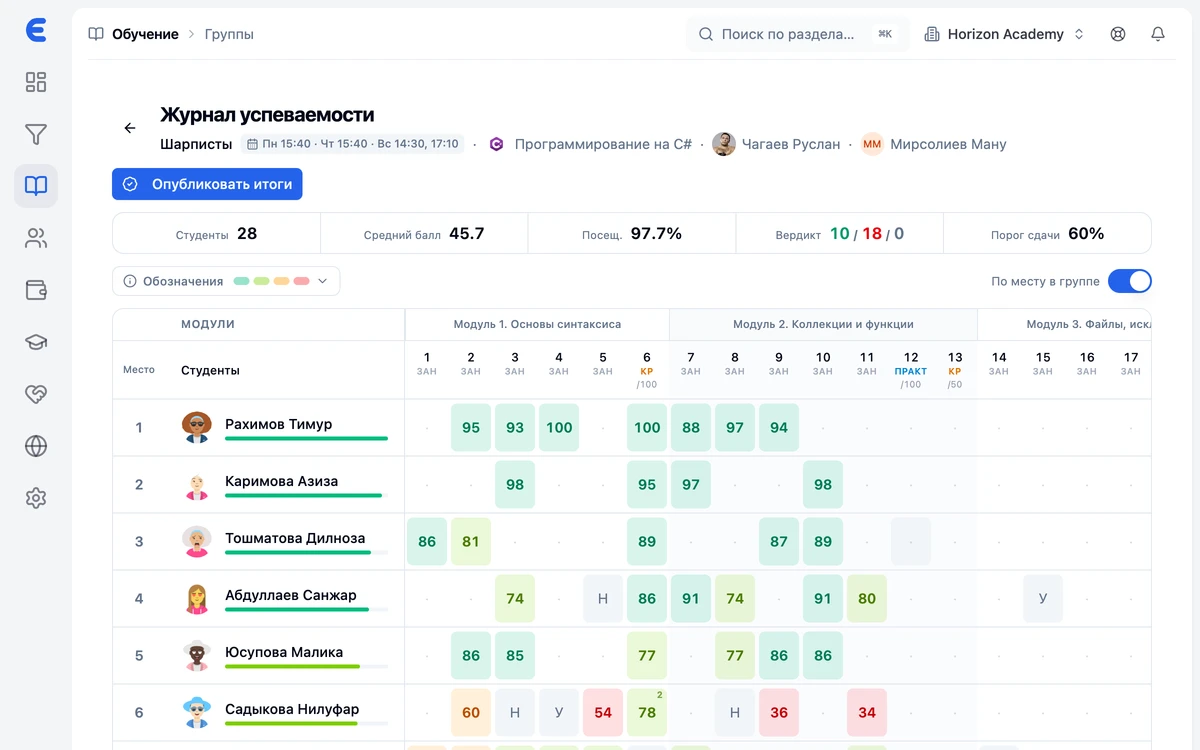
Centers charge differently: monthly, per course or with a pass for a number of lessons. The system must support your model, show debts without manual reconciliation and calculate teacher payroll. For Uzbekistan, check for Payme and Click payments.
A one-day check
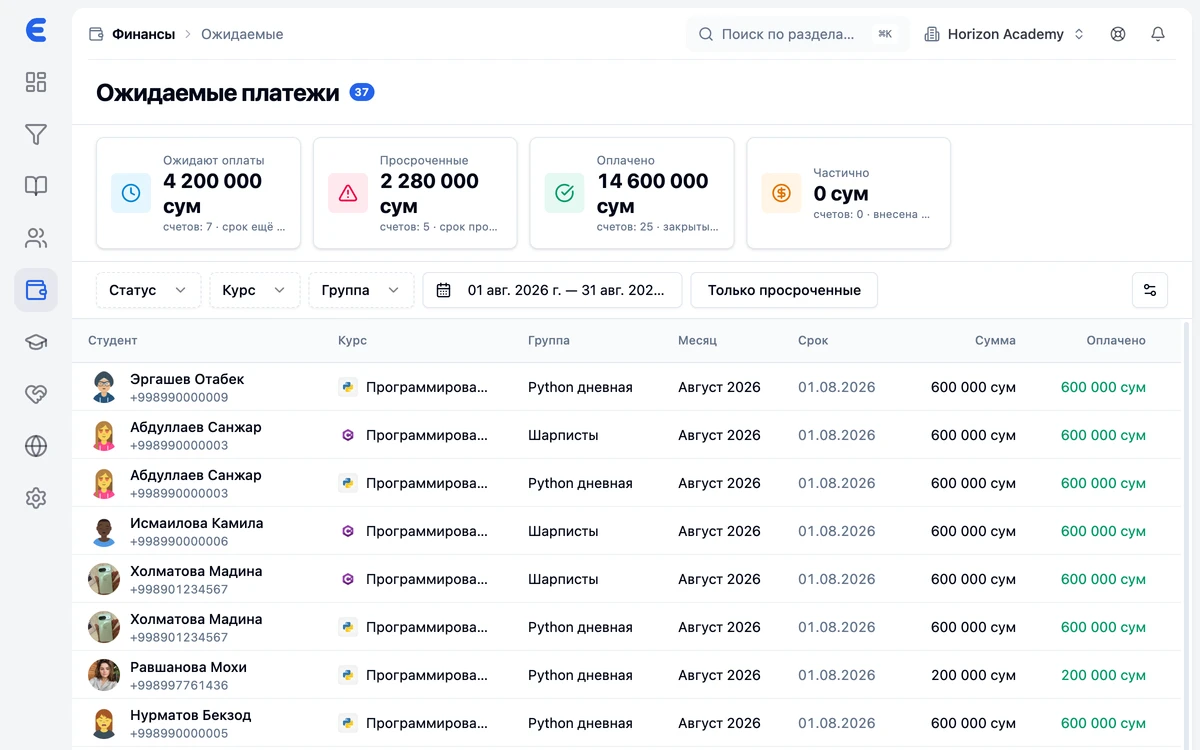
Ask for a demo on your center's scenarios: create a test group, reschedule a lesson, mark attendance, take a payment and look at debts. If any step needs a programmer — it's not your system.
Roles, permissions and branches
A teacher should not see finance, a manager should not see other people's reports. You need ready-made roles, custom ones, and — for a network — branches with separated access in one account.
Student and teacher workspaces
A good system takes routine off the administrator: a student sees the schedule, grades and debts in the app, a teacher marks attendance from a phone. Without this, all communication happens over phone calls.
The cost of migration
The subscription price is the smaller part. Ask about importing students from Excel together with balances, team training and support in your language. A migration that drags on for a month costs more than any plan.
Who EdSys is not for
- Individual tutors without groups: the system is built for a center with groups, a schedule and a team — for one person it is overkill.
- Schools and universities that need state reporting: EdSys does not produce government forms and does not replace state records systems.
- Centers that need to work fully offline: EdSys is a cloud service.
Frequently asked questions
How is a learning center CRM different from a generic one?
Can we get by with Excel spreadsheets?
How much does a CRM for a learning center cost?
How do we migrate from Excel or another system?
Is EdSys the right fit for us?
Bring order to your center
Leads, schedule, gradebook and money under control from day one. Start for free.